

Blog preview card centered using positive fixed and translate function

Solution retrospective
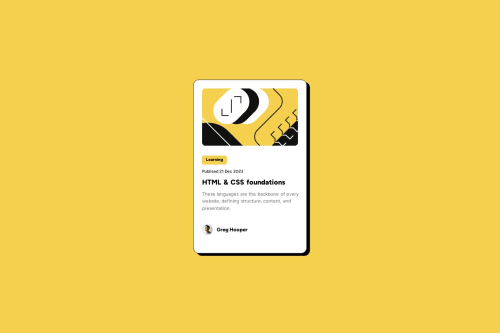
I was able to center an element and used Figma design to get information like width height font size and color. Next time I will try to read thoroughly figma design for a better understanding
What challenges did you encounter, and how did you overcome them?The challenge was to center the blog preview card. I achieved this using making position: fixed and using top and left properties to move the item horizontally and vertically then using the transform function to move the element to its half width and height, resulting in the blog preview card centered horizontally and vertically.
What specific areas of your project would you like help with?Could you tell me what is the correct way to center an element?
Please log in to post a comment
Log in with GitHubCommunity feedback
No feedback yet. Be the first to give feedback on Abhinay Singh Negi's solution.

Join our Discord community
Join thousands of Frontend Mentor community members taking the challenges, sharing resources, helping each other, and chatting about all things front-end!
Join our Discord